


Annotated URL Example▲
The Annotated URL example displays the contents of specifically formatted NFC Data Exchange Format (NDEF) messages read from an NFC Tag. The NDEF message should contain a URI record, an optional image/* MIME record, and one or more localized Text records.
This is the initial state of the example:
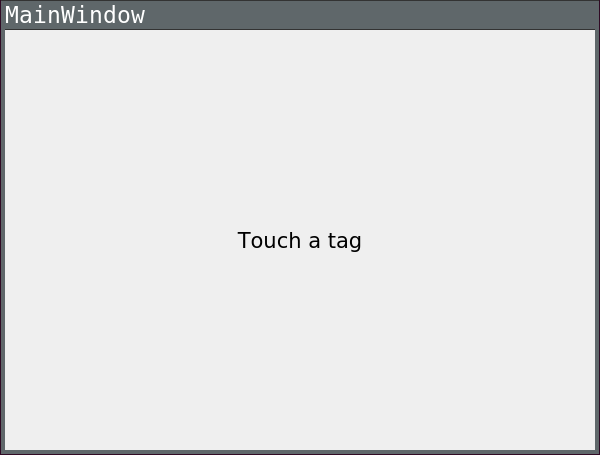
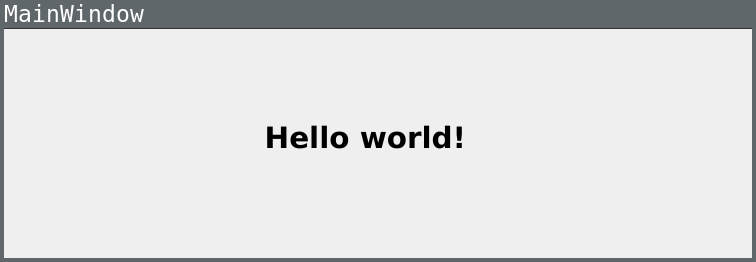
In this example the NFC Tag used contains a text record. The UI gets updated accordingly to:
AnnotatedUrl Class Definition▲
The AnnotatedUrl class wraps the QNearFieldManager, the class providing the NFC Tag detection functionality. NDEF messages are read by the https:// and forwarded to a handler contained in the AnnotatedUrl class. After parsing the NDEF message the class emits the signal AnnotatedUrl::annotatedUrl(const https:// &url, const https:// &title, const https:// &pixmap). The UI reacts to the signal displaying the contents of the NDEF message.
class AnnotatedUrl : public QObject
{
    Q_OBJECT

public:
    explicit AnnotatedUrl(QObject *parent = 0);
    ~AnnotatedUrl();

signals:
    void annotatedUrl(const QUrl &url, const QString &title, const QPixmap &pixmap);

public slots:
    void targetDetected(QNearFieldTarget *target);
    void targetLost(QNearFieldTarget *target);
    void handleMessage(const QNdefMessage &message, QNearFieldTarget *target);
    void handlePolledNdefMessage(QNdefMessage message);
private:
    QNearFieldManager *manager;
};
AnnotatedUrl Handler Implementation▲
NFC messages read by the QNearFieldManager are forwarded to AnnotatedUrl::handleMessage. The callback signature details can be read in https://.
void AnnotatedUrl::handleMessage(const QNdefMessage &message, QNearFieldTarget *target)
{
Because NFC messages are composed of several NDEF records, looping through all of the records allows the extraction of the 3 parameters to be displayed in the UI: the Uri, the Title and the Pixmap:
    for (const QNdefRecord &record : message) {
        if (record.isRecordType<QNdefNfcTextRecord>()) {
            QNdefNfcTextRecord textRecord(record);

            title = textRecord.text();
            QLocale locale(textRecord.locale());
        } else if (record.isRecordType<QNdefNfcUriRecord>()) {
            QNdefNfcUriRecord uriRecord(record);

            url = uriRecord.uri();
        } else if (record.typeNameFormat() == QNdefRecord::Mime &&
                   record.type().startsWith("image/")) {
            pixmap = QPixmap::fromImage(QImage::fromData(record.payload()));
        }
Finally after having extracted the parameters of the NFC message the corresponding signal is emitted so that the UI can handle it.
    }

    emit annotatedUrl(url, title, pixmap);
}
Running the Example▲
To run the example from http://, open the Welcome mode and select the example from Examples. For more information, visit http://.