


Qt Quick Examples - Key Interaction▲
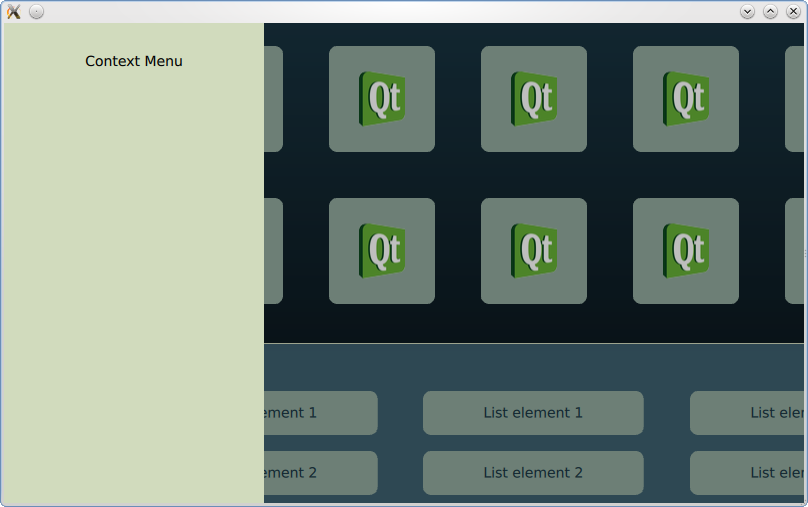
Keyboard Focus in Qt Quick combines various methods of handling keyboard focus. For more information, visit https://.
Running the Example▲
To run the example from http://, open the Welcome mode and select the example from Examples. For more information, visit http://.
Using the keyboard arrow keys, the focus shifts to the menus and the https://.
List of Files▲
Files:
List of Files▲
-
keyinteraction/focus/Core/ContextMenu.qml
-
keyinteraction/focus/Core/GridMenu.qml
-
keyinteraction/focus/Core/ListMenu.qml
-
keyinteraction/focus/Core/ListViewDelegate.qml
-
keyinteraction/focus/Core/TabMenu.qml
-
keyinteraction/focus/focus.qml
-
keyinteraction/keyinteraction.pro
-
keyinteraction/keyinteraction.qml
-
keyinteraction/keyinteraction.qmlproject
-
keyinteraction/keyinteraction.qrc
-
keyinteraction/main.cpp
List of Files▲
Images:
List of Files▲
-
keyinteraction/focus/Core/images/arrow.png
-
keyinteraction/focus/Core/images/qt-logo.png