


Qt Quick Controls 1 - Styles Example▲
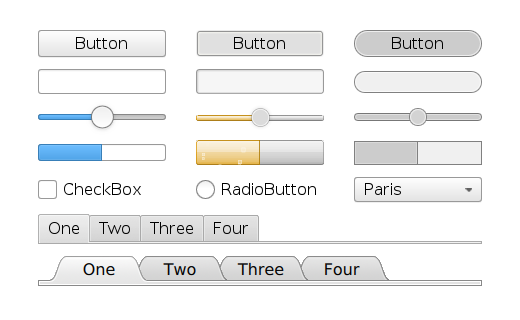
This example shows how to create custom styles for https://.
Running the Example▲
To run the example from http://, open the Welcome mode and select the example from Examples. For more information, visit http://.
List of Files▲
Files:
List of Files▲
-
styles/main.cpp
-
styles/main.qml
-
styles/styles.pro
-
styles/styles.qrc
List of Files▲
Images:
List of Files▲
-
styles/images/bubble.png
-
styles/images/button-pressed.png
-
styles/images/button.png
-
styles/images/progress-background.png
-
styles/images/progress-fill.png
-
styles/images/slider-handle.png
-
styles/images/tab.png
-
styles/images/tab_selected.png
-
styles/images/textfield.png