


Qt Sensors - Accel Bubble▲
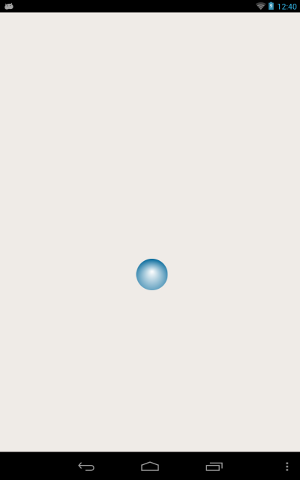
Overview▲
Writing a QML application that uses the Accelerometer QML sensors type requires the following steps:
Import the Sensors Declarative module.
Sélectionnez
import QtSensors 5.0Add an Accelerometer QML type.
Sélectionnez
    Accelerometer {
        id: accel
        dataRate: 100
Use the 'active' property to start the sensor
Sélectionnez
active:trueMove the bubble according to a factor of the accelerator sensor
Sélectionnez
        onReadingChanged: {
            var newX = (bubble.x + calcRoll(accel.reading.x, accel.reading.y, accel.reading.z) * .1)
            var newY = (bubble.y - calcPitch(accel.reading.x, accel.reading.y, accel.reading.z) * .1)

            if (isNaN(newX) || isNaN(newY))
                return;

            if (newX < 0)
                newX = 0

            if (newX > mainWindow.width - bubble.width)
                newX = mainWindow.width - bubble.width

            if (newY < 18)
                newY = 18

            if (newY > mainWindow.height - bubble.height)
                newY = mainWindow.height - bubble.height

                bubble.x = newX
                bubble.y = newY
        }
List of Files▲
Files:
List of Files▲
-
accelbubble/accelbubble.pro
-
accelbubble/accelbubble.qml
-
accelbubble/accelbubble.qrc
-
https://
-
accelbubble/content/Bluebubble.svg
-
accelbubble/main.cpp