


CAN Bus example▲
The example sends and receives CAN bus frames. Incoming frames are ordered according to their type. A connect dialog is provided to adjust the CAN Bus connection parameters.
Key https:// classes used in this example:
-
https://
-
https://
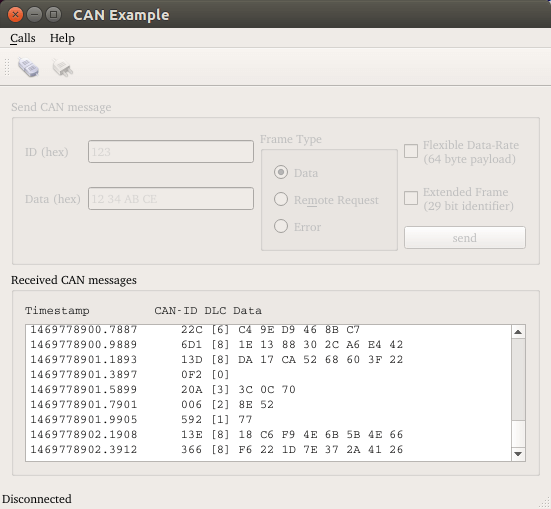
Running the Example▲
To run the example from http://, open the Welcome mode and select the example from Examples. For more information, visit http://.
List of Files▲
Files:
List of Files▲
-
can/bitratebox.cpp
-
can/bitratebox.h
-
can/can.pro
-
can/can.qrc
-
can/connectdialog.cpp
-
can/connectdialog.h
-
can/connectdialog.ui
-
can/main.cpp
-
can/mainwindow.cpp
-
can/mainwindow.h
-
can/mainwindow.ui
-
can/sendframebox.cpp
-
can/sendframebox.h
-
can/sendframebox.ui
List of Files▲
Images:
List of Files▲
-
can/images/application-exit.png
-
can/images/clear.png
-
can/images/connect.png
-
can/images/disconnect.png