


QML Camera Example▲
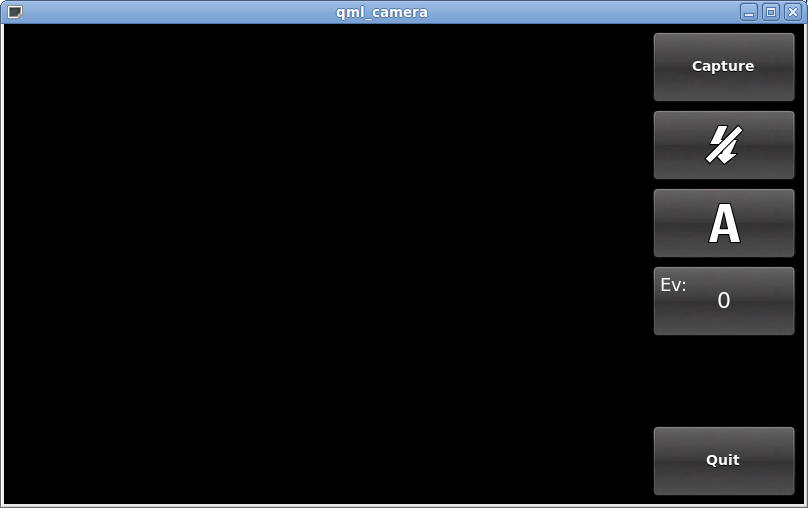
This example demonstrates how to access camera functions via QML. It shows how to change settings and to capture images.
Running the Example▲
To run the example from Qt Creator, open the Welcome mode and select the example from Examples. For more information, visit Building and Running an Example.
Application Structure▲
Most of the QML code supports the user interface for this application with the camera types being mostly found in declarative-camera.qml and CaptureControls.qml.
CaptureControls, which is implemented in CaptureControls.qml, generates a column on the right hand side of the screen which includes control buttons for focus (not initially visible), capture, flash modes, white balance, exposure compensation, and if a preview is available, a preview button. The last button exits from the application.