


Twitter Timeline Example▲
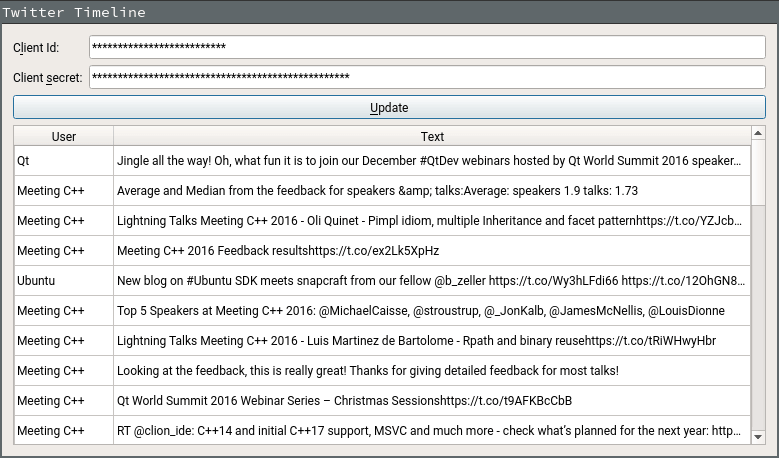
The Twitter Timeline example uses OAuth, as supported by Qt Network Authorization, to sign in to Twitter and display a timeline of tweets (in text format) associated with the authenticated user.
To use this example, a consumer key and secret from Twitter are needed. To register the application visit https://apps.twitter.com. You’ll need to add http://127.0.0.1:1337/callback as a callback URL in your Twitter app settings.
Running the Example▲
To run the example from Qt Creator, open the Welcome mode and select the example from Examples. For more information, visit Building and Running an Example.