


Qt Quick 3D - Dynamic Model Creation Example▲
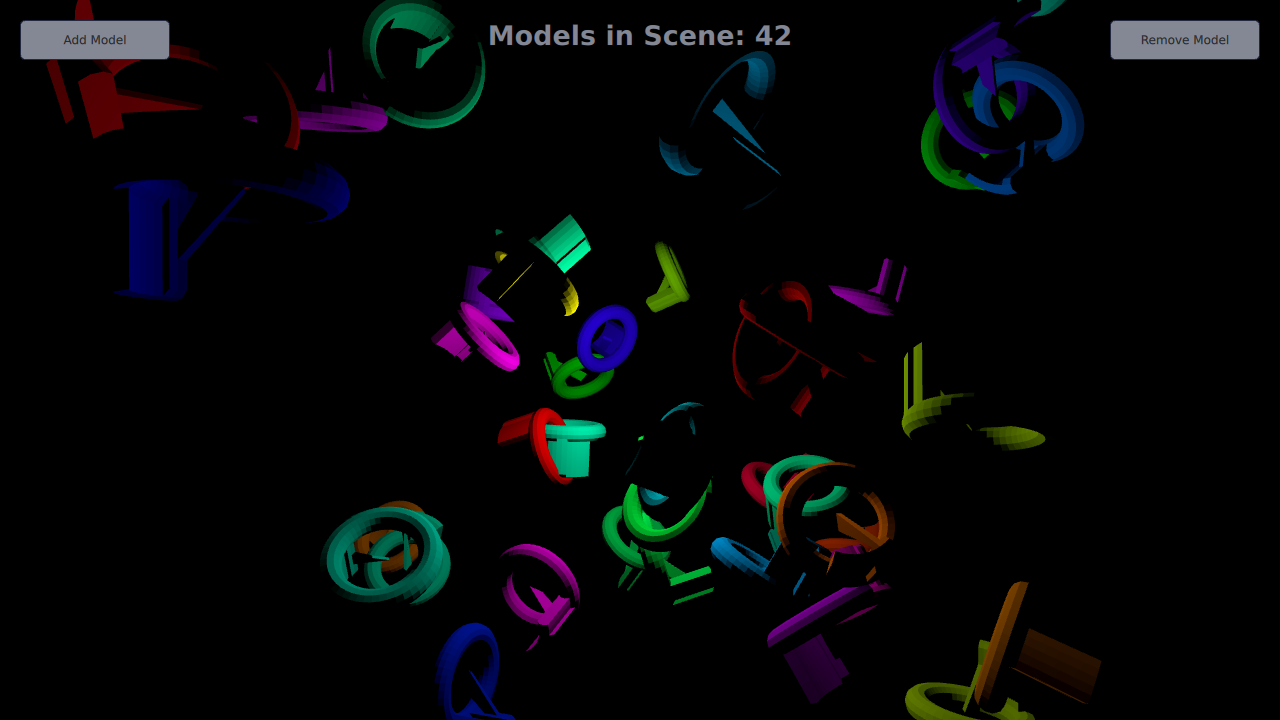
This example demonstrates creating models dynamically in an application. 10 models are created dynamically at the start of the application, and more can be added or removed using the Add Model and Remove Model buttons.
Setting Up▲
Spawner Node▲
We are going to need a Node to hold the dynamically created models.
Sélectionnez
Node {
    id: shapeSpawner
    property real range: 300
    property var instances: []
    property int count
...Startup▲
Dynamic Models▲
Adding Models▲
In order to add a new item to the scene, we first use the Qt.createComponent function to create a Component for our model. Then we use the component's createObject function to instantiate the item, passing in the position and scale as parameters.
Sélectionnez
function addShape()
{
    var xPos = (2 * Math.random() * range) - range;
    var yPos = (2 * Math.random() * range) - range;
    var zPos = (2 * Math.random() * range) - range;
    var shapeComponent = Qt.createComponent("WeirdShape.qml");
    let instance = shapeComponent.createObject(shapeSpawner,
        { "x": xPos, "y": yPos, "z": zPos, "scale": Qt.vector3d(0.25, 0.25, 0.25)});
    instances.push(instance);
    count = instances.length
}
Removing Models▲
Dynamically created models are removed simply by popping and destroying them from the instance stack.
Sélectionnez
function removeShape()
{
    if (instances.length > 0) {
        let instance = instances.pop();
        instance.destroy();
        count