


Qt Quick 3D - Dynamic Model Creation Example▲
This example demonstrates creating models dynamically in an application. 10 models are created dynamically at the start of the application, and more can be added or removed using the + and - buttons.
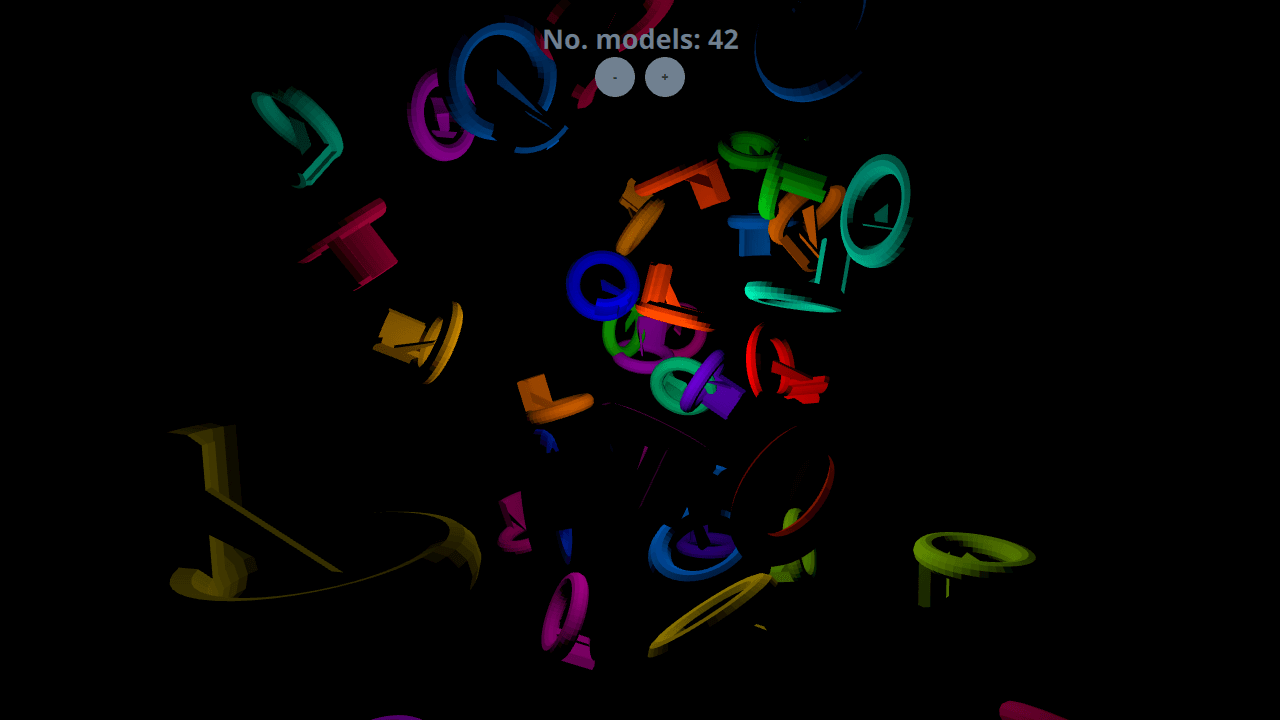
Setting Up▲
Spawner Node▲
We are going to need a Node to hold the dynamically created models.
Sélectionnez
Node {
    id: shapeSpawner
    property real range: 300
    property var instances: []
    property int count
...Startup▲
Dynamic Models▲
Adding Models▲
In order to add a new item to the scene, we first use the Qt.createComponent function to create a Component for our model. Then we use the component's createObject function to instantiate the item, passing in the position and scale as parameters.
Sélectionnez
function addShape()
{
    var xPos = (2 * Math.random() * range) - range;
    var yPos = (2 * Math.random() * range) - range;
    var zPos = (2 * Math.random() * range) - range;
    var shapeComponent = Qt.createComponent("WeirdShape.qml");
    let instance = shapeComponent.createObject(shapeSpawner,
        { "x": xPos, "y": yPos, "z": zPos, "scale": Qt.vector3d(0.25, 0.25, 0.25)});
    instances.push(instance);
    count = instances.length
}
Removing Models▲
Dynamically created models are removed simply by popping and destroying them from the instance stack.
Sélectionnez
function removeShape()
{
    if (instances.length > 0) {
        let instance = instances.pop();
        instance.destroy();
        count