


Qt Quick 3D - Level of Detail Helper Example▲
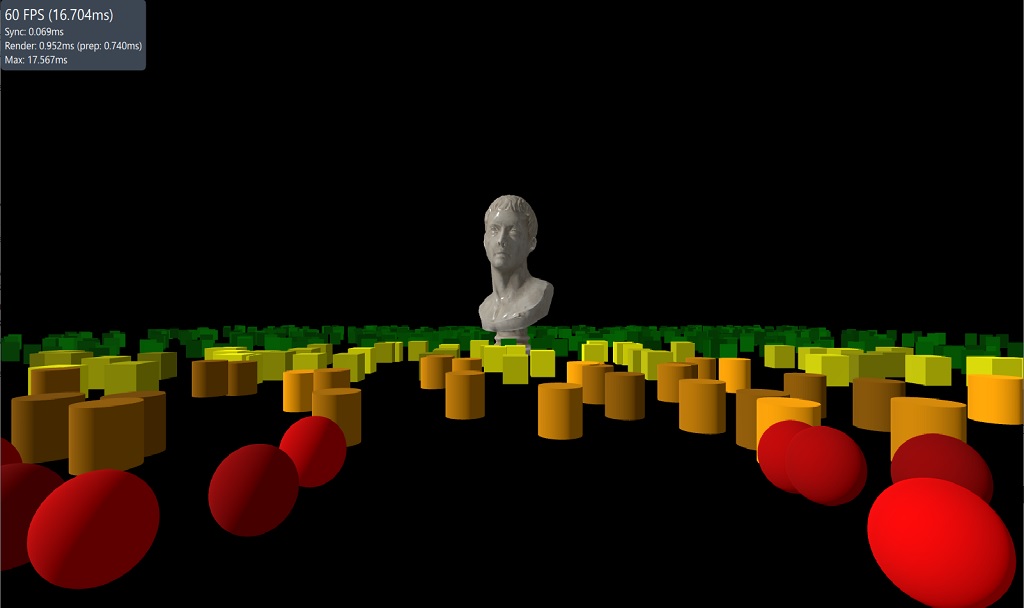
This example demonstrates the use of the LODManager helper. The LODManager works by changing the visibility of it's node children based on the distance to the specified camera. The distances property is a list of distance thresholds that determine when the visibility of a child is changed. The first child is shown when closest and the last child when furthest.
Sélectionnez
LodManager {
    camera: camera
    distances: [100, 140, 180]
    fadeDistance: 10

    Model {
        scale: Qt.vector3d(100, 100, 100);
        source: "meshes/marble_bust_01_LOD_0.mesh"
        materials: [ marbleMaterial ]
    }

    Model {
        scale: Qt.vector3d(100, 100, 100);
        source: "meshes/marble_bust_01_LOD_1.mesh"
        materials: [ marbleMaterial ]
    }

    Model {
        scale: Qt.vector3d(100, 100, 100);
        source: "meshes/marble_bust_01_LOD_2.mesh"
        materials: [ marbleMaterial ]
    }

    Model {
        scale: Qt.vector3d(100, 100, 100);
        source: "meshes/marble_bust_01_LOD_3.mesh"
        materials: [ marbleMaterial ]
    }
}